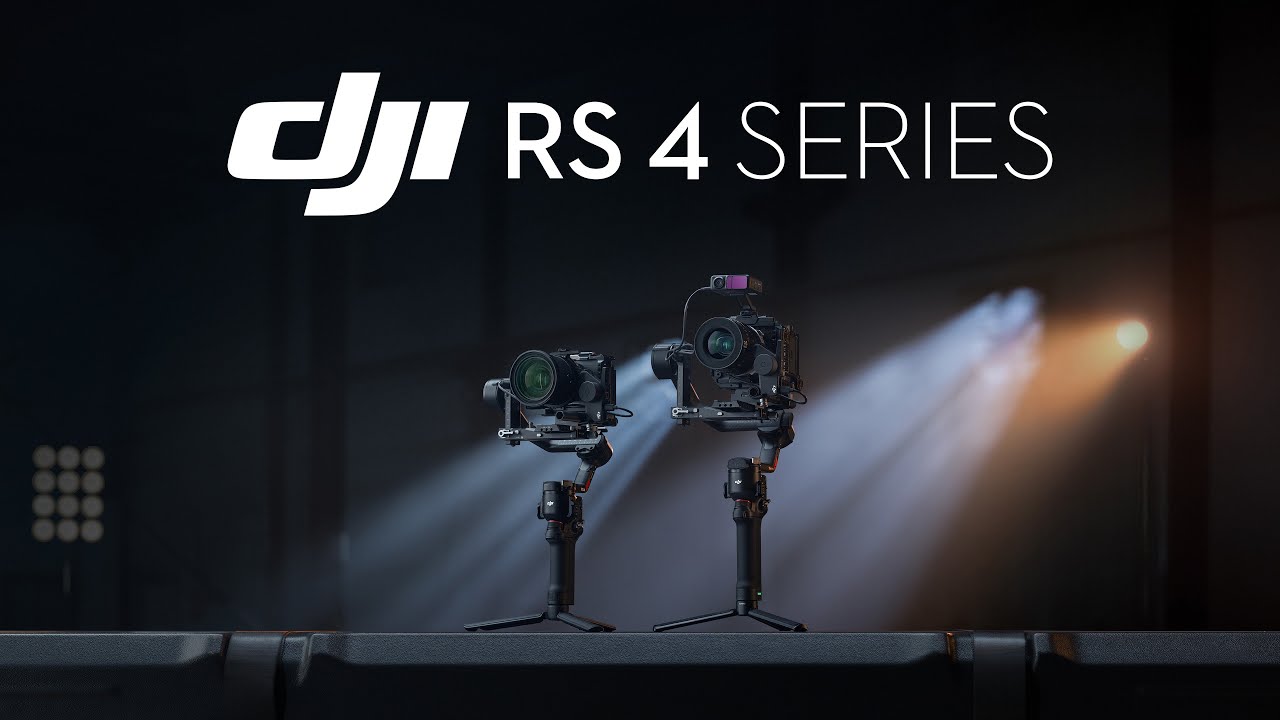
DJI RS4 Pro Combo Rental
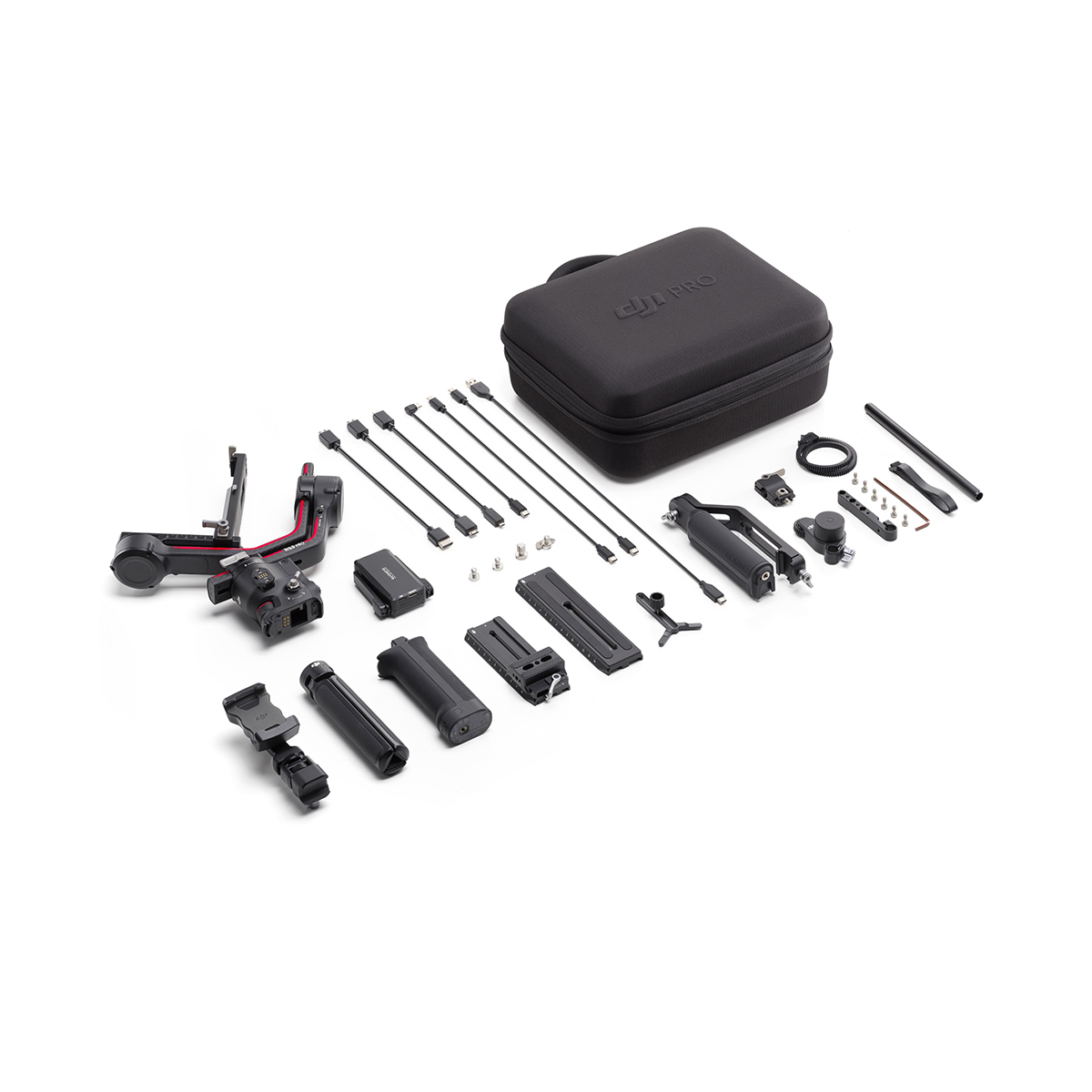
Rental Kit Includes:
- 1x DJI RS4 Pro
- 1x Carrying Case
- 1x DJI BG30 Grip
- 1x All Cables & Mounting Plates
Rental Prices
Please note: A security deposit is required on all rental equipment unless prior organised.
Rent the DJI RS4 Pro now
Commonly asked asked Questions
What does a 1-day rental include?
Our 1-day hire is designed around one shoot day. Equipment can be collected from 1pm the day before your shoot or on the day itself, and returned by 11am the next morning.
While some hire companies label this as a 3-day rental and price it accordingly, we keep it straightforward and charge for just one day.
What if I only need it for one day over a weekend?
No problem at all, you’ll only be charged for a single day. For most of our equipment, we’re able to check actual usage and can add extra days later if needed.
What if the weather turns bad?
If the weather isn’t suitable and flying isn’t possible, we’re happy to cancel the booking at no cost, as long as it’s before pickup.
Do I need to provide ID?
If you don't supply any ID in the rental form then, we ask that you provide some upon the time of collection.
Who is the RS4 Pro for?
The DJI RS 4 Pro is designed for professional filmmakers, videographers, and serious content creators who need smooth, cinematic camera movement. It’s commonly used on film sets, commercial shoots, weddings, and professional video productions, especially with heavier mirrorless or cinema camera setups.
Is it easy to use for beginners?
The DJI RS 4 Pro is primarily built for professional filmmaking workflows and more advanced camera rigs. While it’s well-designed and powerful, it’s generally intended for users who already have experience with cameras and video production.
What are the RS4 Pro's exact specifications?
Accessory Port
1/4"-20 Mounting Hole
Cold Shoe
Video Transmission / LiDAR Range Finder Port (USB-C)
RSS Camera Control Port (USB-C)
Focus Motor Port (USB-C)
Battery Model
Battery Type
Battery Capacity
Battery Energy
Max Runtime
Measured with the gimbal balanced in a level and stationary state. When the gimbal is in motion, the operating time will be reduced.
Charging Time
Measured with a charger supporting 24W fast charging. It is recommended to use chargers supporting QC 2.0 or PD protocols.
Suggested Charging Temperature
Connections
Charging Port (USB-C)
Ronin App Requirements
Android 8.0 or above
Touchscreen Languages
Tested Payload
Maximum Controlled Rotation Speed
Tilt: 360°/s
Roll: 360°/s
Mechanical Range
Roll Axis: -95° to +240°
Tilt Axis: -112° to +214°
Operating Frequency
Bluetooth Transmitter Power
Operating Temperature
Weight
Grip: Approx. 265 g (0.58 lbs)
Extended Grip/Tripod (Metal): Approx. 226 g (0.49 lbs)
Upper and Lower Quick-Release Plates: Approx. 110 g (0.24 lbs)
Dimensions
Unfolded: 267.8×201.9×415 mm (L×W×H, including grip, excluding camera and the Extended Grip/Tripod)
Ronin Image Transmitter Connections
HDMI Port (Mini HDMI)
RSS Camera Control Port (USB-C)
Expansion Port
Cold Shoe
Image Transmitter Operating Frequency
5.725–5.850 GHz
Image Transmitter Weight
Image Transmitter Dimensions
Image Transmitter Power (EIRP)
< 25 dBm (FCC)
< 20 dBm (CE/SRRC/MIC)
5.725–5.850 GHz:
< 25 dBm (FCC/SRRC)
< 14 dBm (CE)
Image Transmitter Battery Capacity
Compatible Charger
Image Transmitter Charging Time
Image Transmitter Operating Time
Transmission Range
100 m (CE)
Measured in an unobstructed environment free of interference.
Latency
Operating Current / Voltage
Image Transmitter Operating Temperature
DJI RS4 Pro Quick Start Guide
DJI RS4 Pro User Manual
Check out the DJI RS4 Pro in action below!