
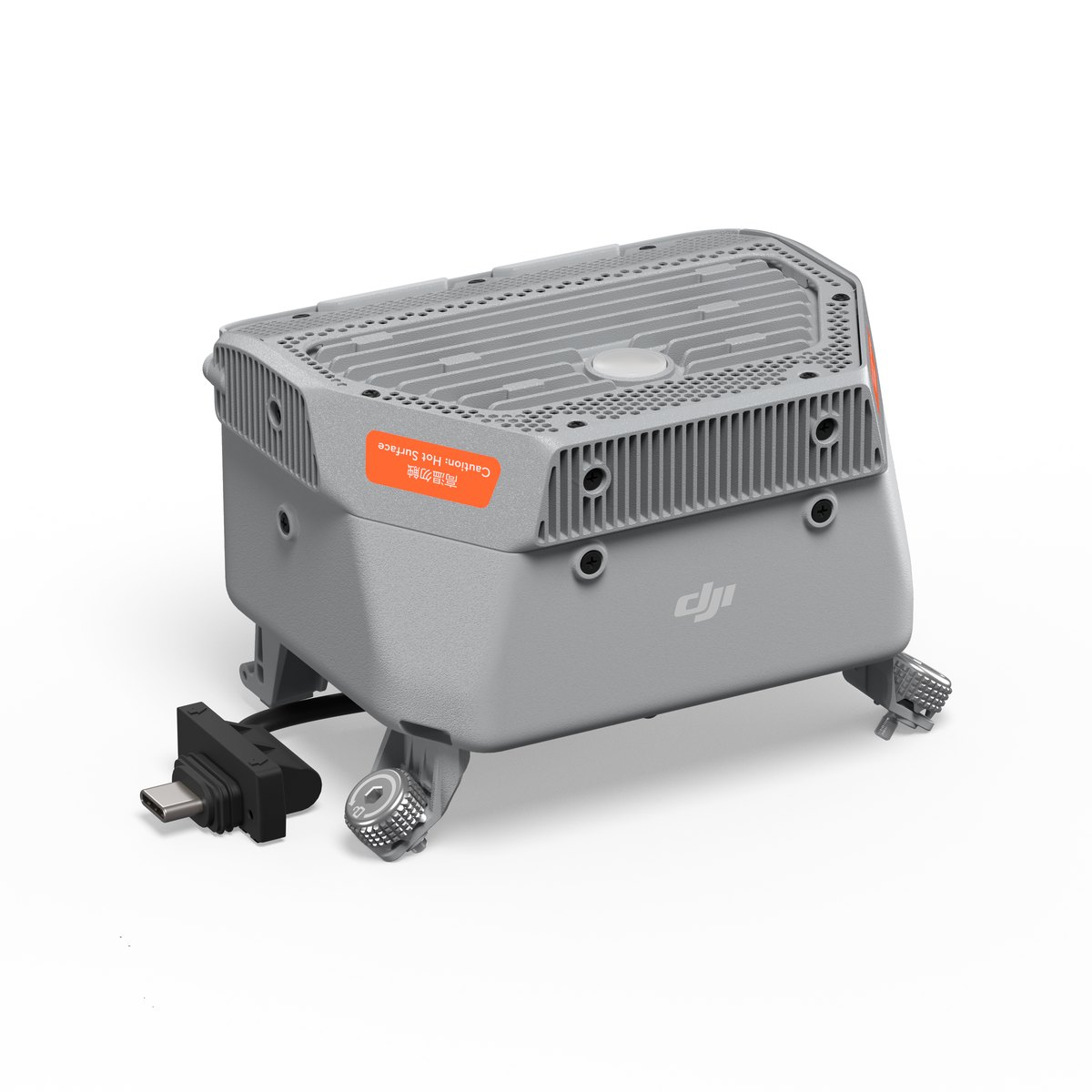
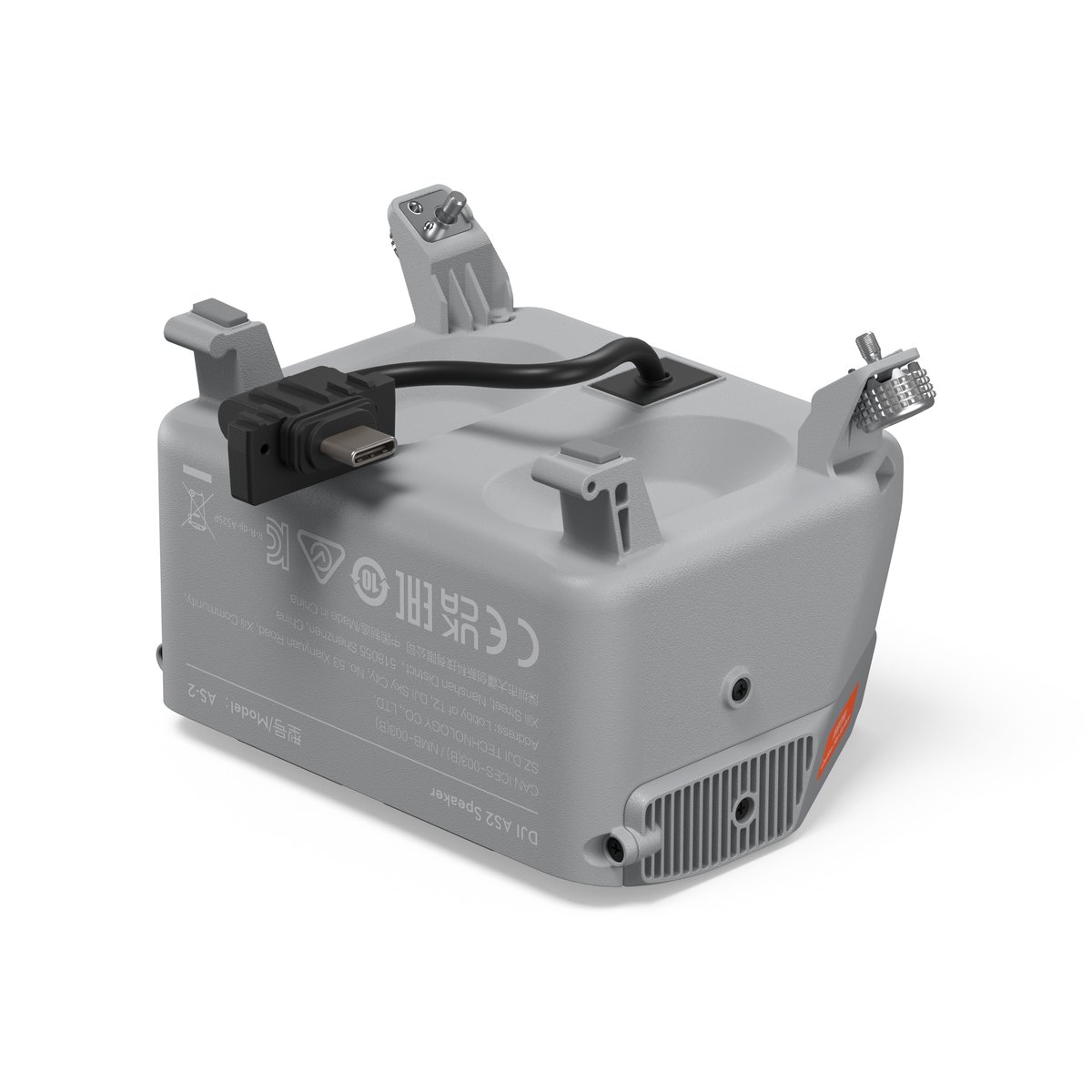
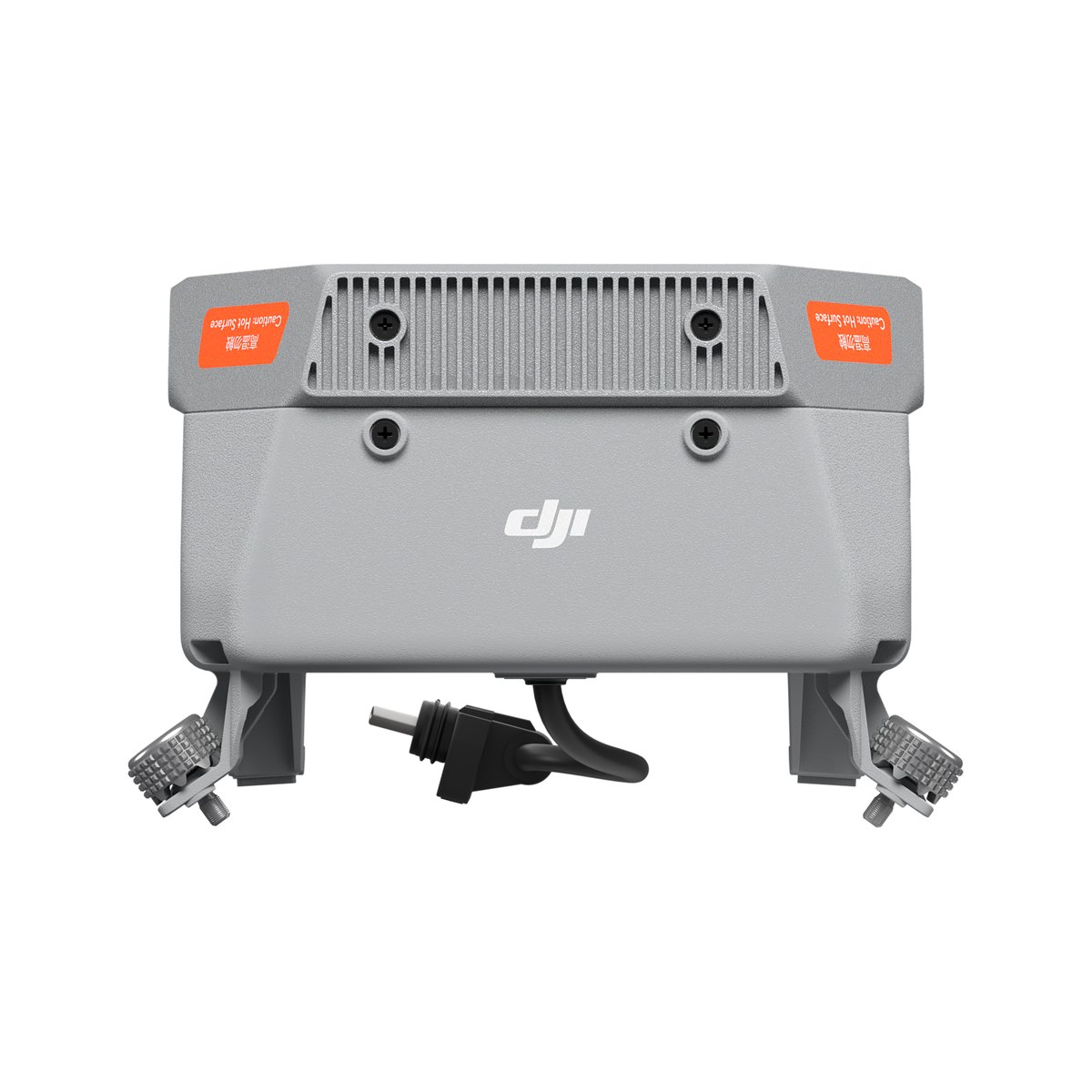
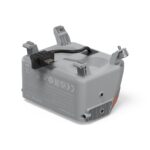
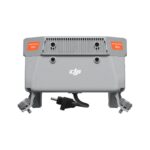

Talk to people on the ground from the air: broadcast live, play recordings or use text-to-speech at up to 120 dB, with an effective range of 400 m. The five-colour strobe makes the aircraft easy to spot at night, and it’s rated IP55 against dust and water.
DJI AS2 Speaker
$680.00 Inc. GST
120 dB drone speaker with a five-colour strobe light. 400 m effective broadcast distance. Live, recorded, imported and text-to-speech broadcasts. 194 g, IP55 rated.
Compatible with DJI Matrice 5T.
Available on back-order
Order before 2pm for same-day dispatchOn back-order: we’ll dispatch as soon as stock arrivesOut of stock: ask us about an ETA
Seen it cheaper? Ask us to price match
Free NZ shippingOn orders over $400
NZ warrantyIn-house DJI repairs
7-day price protectionT&Cs apply
Specifications
| Compatible Aircraft | DJI Matrice 5T |
|---|---|
| Weight | 194 g |
| Dimensions | 96×70×66 mm (L×W×H) |
| Max Power | 35 W |
| Max Volume [1] | At 1 meter, it can reach 120 decibels (120 dB@1 m) |
| Effective Broadcast Distance [1] | 400 m |
| Broadcast Mode | Real-time broadcasting (supports echo suppression), recorded broadcasting, media import (supports simultaneous transmission and playback), text-to-speech |
| Operating Temperature | -20° to 50° C (-4° to 122° F) |
| Ingress Protection Rating [2] | IP55 |
| Strobe Light Color | Red, Blue, Green, White, Yellow |
- Data measured in a laboratory environment at 25° C (77° F). Actual conditions may vary slightly due to software version, audio source, specific environment, and other factors. Actual performance may vary depending on usage conditions.
- Please follow the requirements stated in the IP55 protection rating instructions. This product has been tested under controlled laboratory conditions and achieved an IP55 rating. IPX5 water-resistance test conditions: (1) nozzle internal diameter of 6.3 mm; (2) water flow rate of 12.5 L/min (±5%); (3) water pressure of approximately 30 kPa; (4) distance from the nozzle to the product: 2.5 to 3 m; (5) test duration of at least 1 minute per square meter of surface area, with a total duration of at least 3 minutes; (6) water sprayed onto the enclosure from all directions. IP5X dust-resistance test conditions: (1) dry, non-abrasive fine dust used as the test medium; (2) fineness sufficient to pass through a flat square-mesh sieve with a mesh aperture of 75 μm and a wire diameter of 50 μm; (3) dust concentration of 2 kg per cubic meter of test chamber volume; (4) test duration of 8 hours; (5) test conducted in a sealed dust chamber. The IP rating is not permanently effective and may decrease due to normal wear and tear.
What's in the Box
- 1 × AS2 Speaker
Frequently Asked Questions
What functions are supported with the DJI AS2 Speaker?
DJI AS2 Speaker supports recording, media import, text-to-speech functions, real-time broadcasting, and echo cancellation.
It also features a new 5-color strobe light to enhance the efficiency and flexibility of emergency search and rescue operations.
Which aircraft are compatible with the DJI AS2 Speaker?
Compatible with DJI Matrice 5T (as of November 2026).
What are the installation precautions for DJI AS2 Speaker?
1. After inserting the USB-C connector of the speaker into the corresponding port on the aircraft, press firmly to ensure a secure seal for optimal water resistance.
2. Align the mounting screws with the screw holes on the aircraft, then use the provided tool to tighten them securely.
3. After installation, connect to the internet, activate the speaker and calibrate the aircraft compass according to the app prompts. If a firmware update prompt appears, update to the latest firmware.
What are the usage precautions for the DJI AS2 Speaker?
Pay attention to the following when using the speaker:
1. After installing the speaker, the aircraft's propulsion performance and flight time will be affected. Fly with caution.
2. Use the standard remote controller to play human voices for optimal playback effect. It is not recommended to play single-frequency sounds to avoid irreversible damage to the speaker.
3. DO NOT use the speaker near people or in an urban area where noise-sensitive structures are concentrated, as the loudness could lead to accidents or injuries.
What are the tips for using the real-time broadcasting feature of the DJI AS2 Speaker?
Speak close to the top of the remote controller microphone and maintain a steady pace.
What shortcut operations does the DJI AS2 Speaker support?
It supports shortcuts to start/stop real-time broadcasting. For quick access during operations, you can assign these functions to the customizable buttons on the remote controller under Customize RC Buttons in the DJI Pilot 2 app.
How to upgrade the firmware of the DJI AS2 Speaker?
Install the speaker on the aircraft. When the aircraft firmware is upgraded, the speaker will be upgraded simultaneously. There are three ways to upgrade the firmware:
1. Connect the aircraft to the computer and use DJI Assistant 2 (Enterprise Series) to upgrade.
2. Click on the firmware upgrade in the main interface of the app to upgrade directly.
3. When the app prompts for a consistency upgrade, click Upgrade.
Is there a specific installation order when mounting both the DJI AL2 SpotLight and the DJI AS2 Speaker?
Yes. You must install the spotlight first, followed by the speaker.
What are the transportation and storage precautions for the DJI AL2 SpotLight and the DJI AS2 Speaker?
1. The product may be damaged or malfunction due to external impacts. Please handle with care during use and avoid dropping it.
2. When storing the spotlight, ensure the lens faces inward toward the aircraft body to prevent scratches.
3. The aircraft can be directly stored in the carrying case with the spotlight installed.